QR use case
Free Poster QR Code Generator
A poster QR code needs to scan from farther away than a business card or flyer. The right size, contrast, and placement matter as much as the destination.
Quick answer
Use the free QR code generator for poster qr codes
This page is built for people searching for a free poster qr code generator, a simple poster qr code maker, or a fast way to create poster qr codes online. It focuses on practical examples, reliable print use, clear scan context, and the free QR code generator workflow.
Most visitors want a free QR code generator that gets them from idea to download quickly: choose Website URL, enter the page, form, map, ticket, video, or campaign URL, download a clean code, and test it before printing.
Common searches covered here
What this QR code should open
- A mobile-friendly destination that matches the promise next to the QR code, such as the page, form, map, ticket, video, or campaign URL.
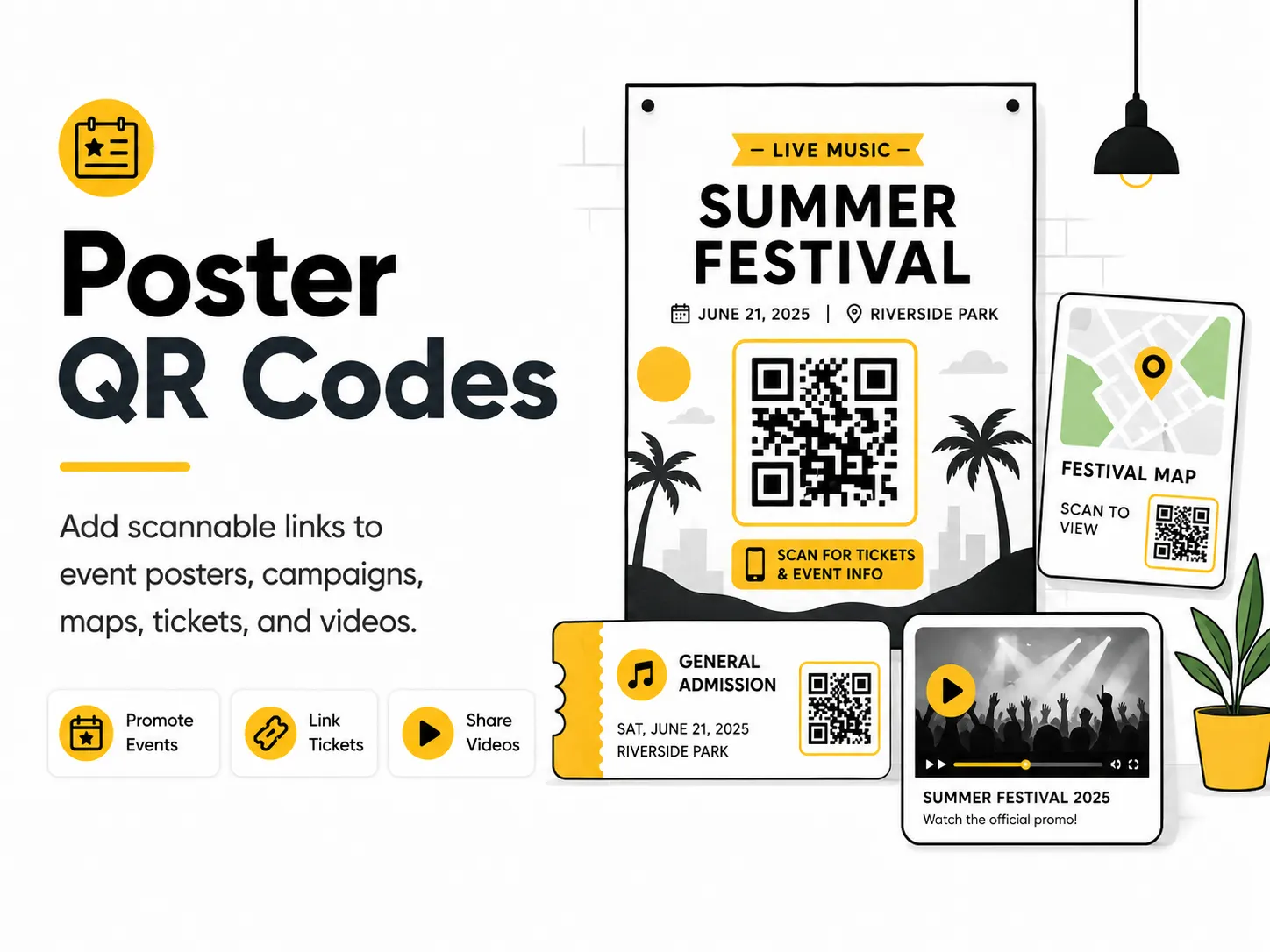
- Link a concert poster to ticket sales.
- Send a campus poster to a map.
- Connect a product poster to a demo video.
- A page or file you control, so the destination can stay available after the QR code is printed.
Where to place it
- Use this QR code where people already need to add scannable links to event posters, campaigns, maps, tickets, and videos.
- Place it on a clean area of the design with a visible quiet zone around the code.
- Use it on printed materials people can hold or pause near, such as cards, signs, flyers, packaging, table displays, posters, and handouts.
- Keep it close to a short written call to action so scanners know what they will open.
Practical examples
What to plan before printing
A strong poster qr codes starts with a clear destination, useful nearby text, and a page that works well on mobile. The QR code should help someone take one specific action instead of making them guess what happens after scanning.
QR For Everyone currently creates static QR codes. Static QR codes directly contain the link or data you enter, so the printed pattern cannot be edited later. If the content may change, point the code to a URL you control and update that page instead.
Before you publish or print, test the final QR code on more than one phone, from the real scanning distance, and under the same lighting or material conditions people will use.
How to turn scans into action
A QR code is only useful when the scan path is obvious. Treat the code, nearby text, and destination page as one small conversion flow: people should understand why to scan, what will open, and what to do next.
- Use a direct CTA such as "Scan to open poster" or "Scan for details" instead of vague text.
- Send scanners to a page that loads quickly on mobile and answers the need created by the printed material.
- Keep the static QR code destination stable. If content may change, encode a URL you control and update that page later.
- Test the QR code from the real scanning distance, on more than one phone, before printing or sharing.
How to create this QR code
- 1Open the free QR code generator and choose Website URL.
- 2Enter the page, form, map, ticket, video, or campaign URL.
- 3Customize the foreground color, background color, size, margin, and error correction level if needed.
- 4Download the QR code as PNG or SVG.
- 5Scan the finished QR code on a phone before using it in print or sharing it publicly.
Best practices
- Make the QR code large enough for the viewing distance.
- Keep the quiet zone clean.
- Use short supporting text so people know why to scan.
Common mistakes
- Printing a tiny code on a large poster.
- Placing the code near a busy image.
- Using glossy placement where reflections block scanning.
Ready to make one?
Use the free QR code maker to create poster qr codes for link a concert poster to ticket sales, send a campus poster to a map, or any similar use case. No account is required to create static QR codes.
Frequently Asked Questions
How do I create poster qr codes?
Open the free QR code generator, choose Website URL, enter the page, form, map, ticket, video, or campaign URL, customize the design if needed, then download the QR code as PNG or SVG.
What should a poster qr code link to?
Use the destination that matches the scan moment. Good options include link a concert poster to ticket sales, send a campus poster to a map, connect a product poster to a demo video.
Is this poster qr code maker free?
Yes. QR For Everyone is a free QR code maker for static QR codes, including poster qr codes, with PNG, SVG, WEBP, and JPG export options.
Can I use poster qr codes for business?
Yes. QR For Everyone can be used for personal, nonprofit, educational, and business projects. You are responsible for the content and links you encode.
Can I edit the QR code after printing?
This tool currently creates static QR codes. A static QR code cannot be edited after printing, so use a destination URL you control if the content may change later.
Should I test the QR code before printing?
Yes. Always scan your QR code on multiple phones and from the final printed size before ordering signs, menus, packaging, cards, or flyers.
Which file type should I use for poster qr codes?
Use SVG for professional design and print workflows. Use PNG or WEBP for everyday digital use, and JPG when you need a non-transparent image.